Every action has a shortcut, and they’re yours
Arc’s keys out of the box, or Chrome’s or Safari’s with one switch, and you can change any of them in Settings. ⌘K shows each one beside its command.
 Browsa
A calm, keyboard-first browser with a sidebar for your spaces, a panel for your tools, and room for the extensions and agents you already use. Native WebKit, open source, and free.
Download for Mac For developers
macOS 26 or later
The parts you notice on day thirty, not day one. Each of them made by hand, and none of them in your way.
Arc’s keys out of the box, or Chrome’s or Safari’s with one switch, and you can change any of them in Settings. ⌘K shows each one beside its command.
Work and life keep their own tabs and colour. Swipe between them, or press ⌃1.
Keep a tab for good. It stays put, and closing it just puts it to sleep.
The handful of sites you live in, one click away in every space.
In a panel beside the page, never a bar across it. ⇧⌘J
Ads and trackers are gone before the page draws. No extension needed.
Browsa answers “reject all” for you, so the banner never gets in the way.
Just the words and pictures, set in a calm column so you can settle in.
The tracking tags stuck on the end of links come off before you open or share them.
Tabs you’ve left alone slip into the archive. ⌘Y brings them back.
Bring spaces, pinned tabs, bookmarks and history from Arc or the browser you use now.
Private tabs leave no history. Sites are asked not to sell your data, and Browsa can forget it all when you quit.
And as many windows as you like, sharing one library of spaces. On iPhone too, handcrafted for iPhone Duo.
Thirty-six seconds of Browsa for Mac: the sidebar, Radar, Notes, and an agent planning dinner.
The Library holds everything you can add to Browsa: our own plugins, in two packs, and Chrome extensions we’ve tested. Open it from ⌘K.
Radar finds your dev servers, Notes holds your feedback on pages, and Agents lets Claude Code, Codex or Cursor work through Browsa while you watch.
On from the start. Ads and trackers are blocked, cookie banners are declined for you, and tracking comes off links before pages load.
 1PasswordPasswords, passkeys and cards, filled for you.
 uBlock Origin LiteBlocks ads and trackers, with no setup.
 Dark ReaderDark mode for every website.
 VimiumBrowse with the keyboard: press f to click any link.
 JSON FormatterReadable, collapsible JSON in the browser.
 Paper SnapshotCopy any part of a site into Paper as editable layers.
 Google TranslateSelect text on any page to translate it.
Add any of these in one click. Most others from the Chrome Web Store run too, through a compatibility layer on Apple’s WebKit; the ones above are the ones we’ve tested. Names and icons belong to their owners.
Switch on the Agent Pack and add Browsa to Claude Code in one click. Codex, Cursor and other MCP agents get a line to paste. Then they can open pages, read them and test your work, in the browser you’re already signed in to.
Free and open source, with no account and no analytics. Plugins are free too.
Download for Mac Build from source
macOS 26 or later
 airbnb.com
 figma.com


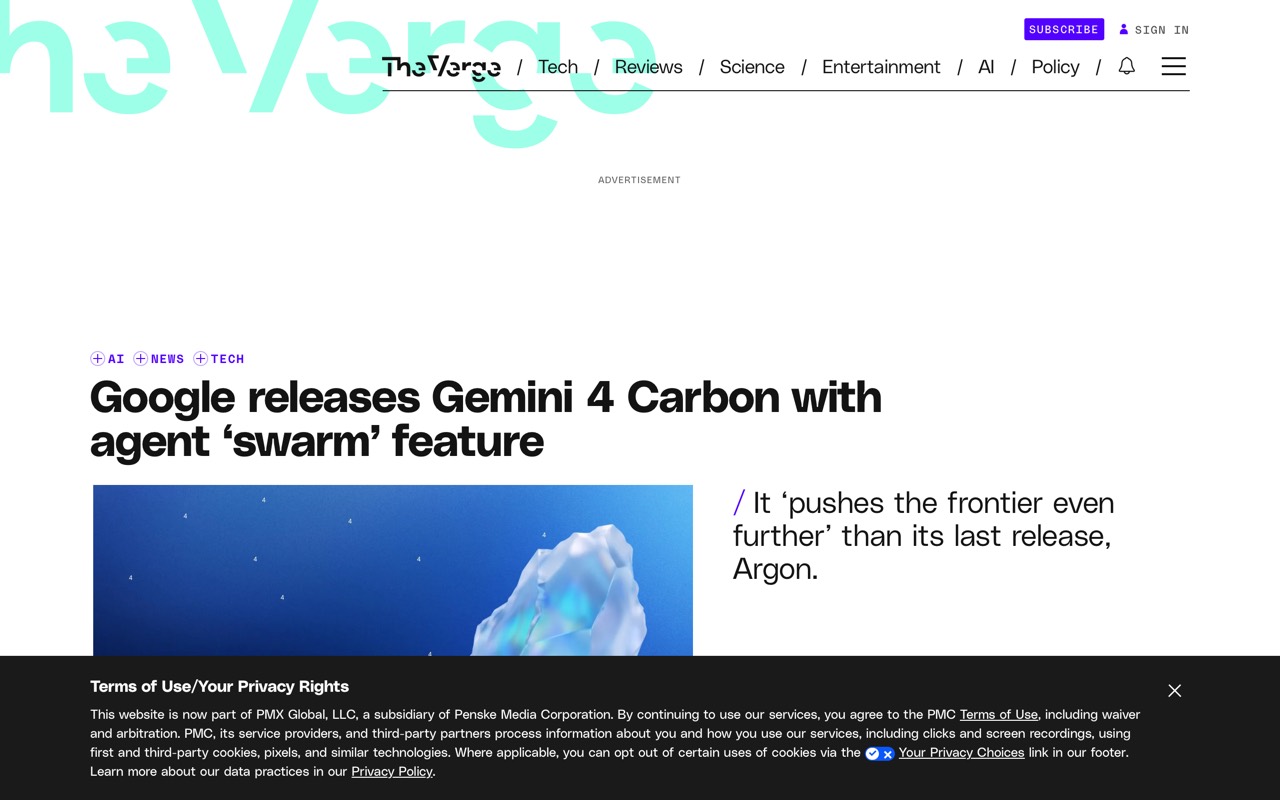
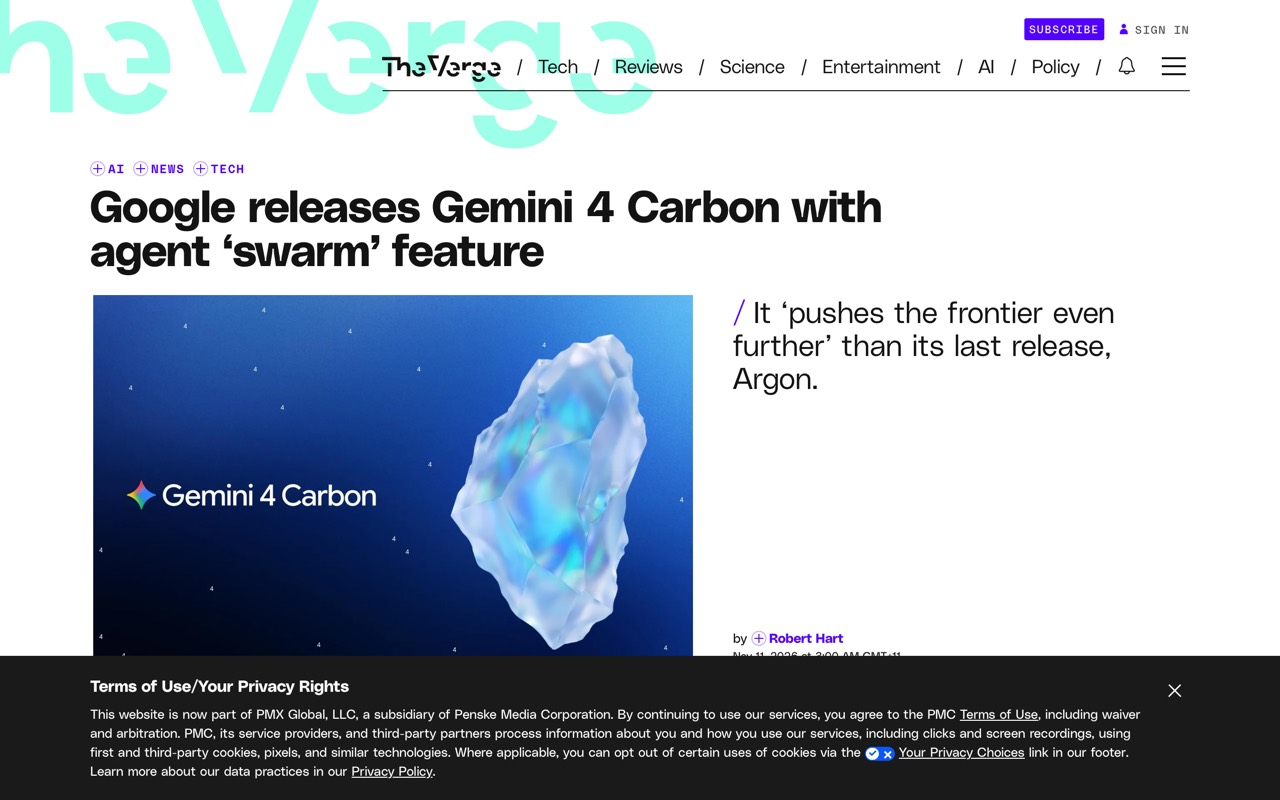
 theverge.com

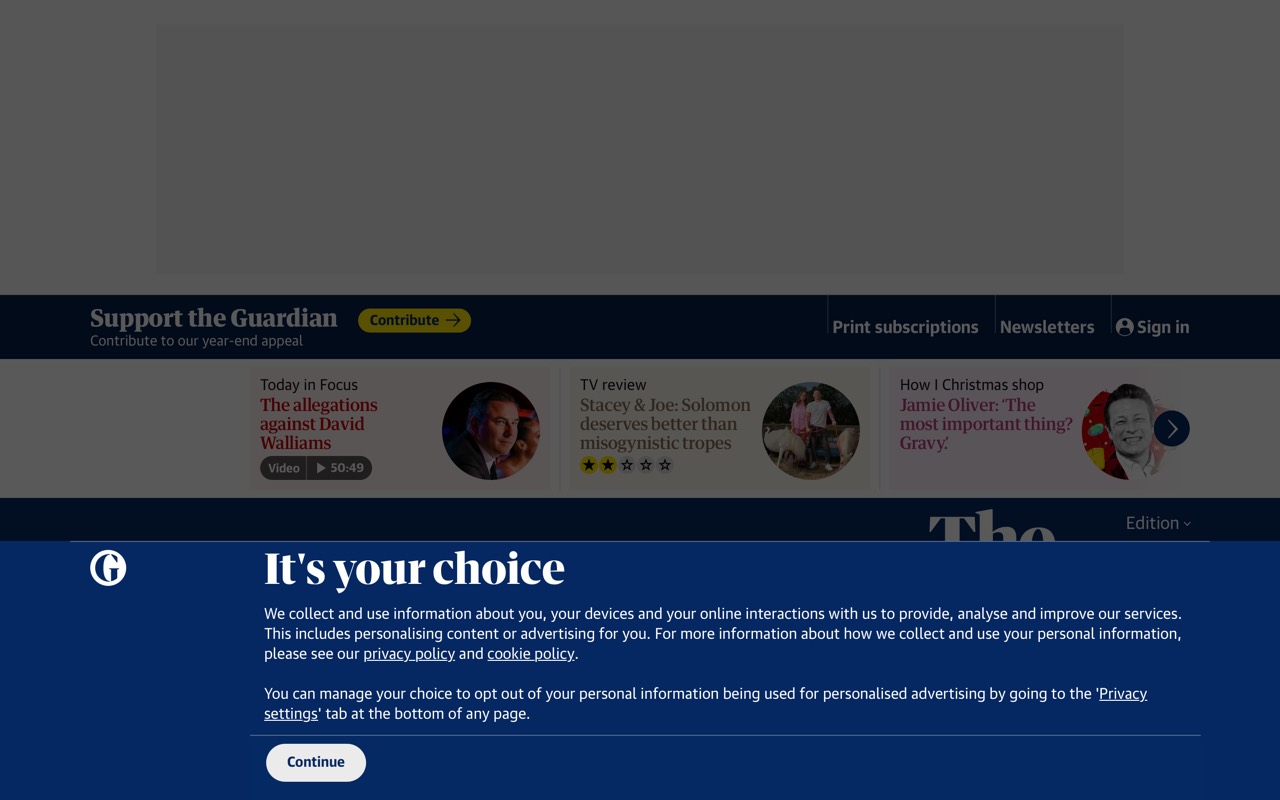
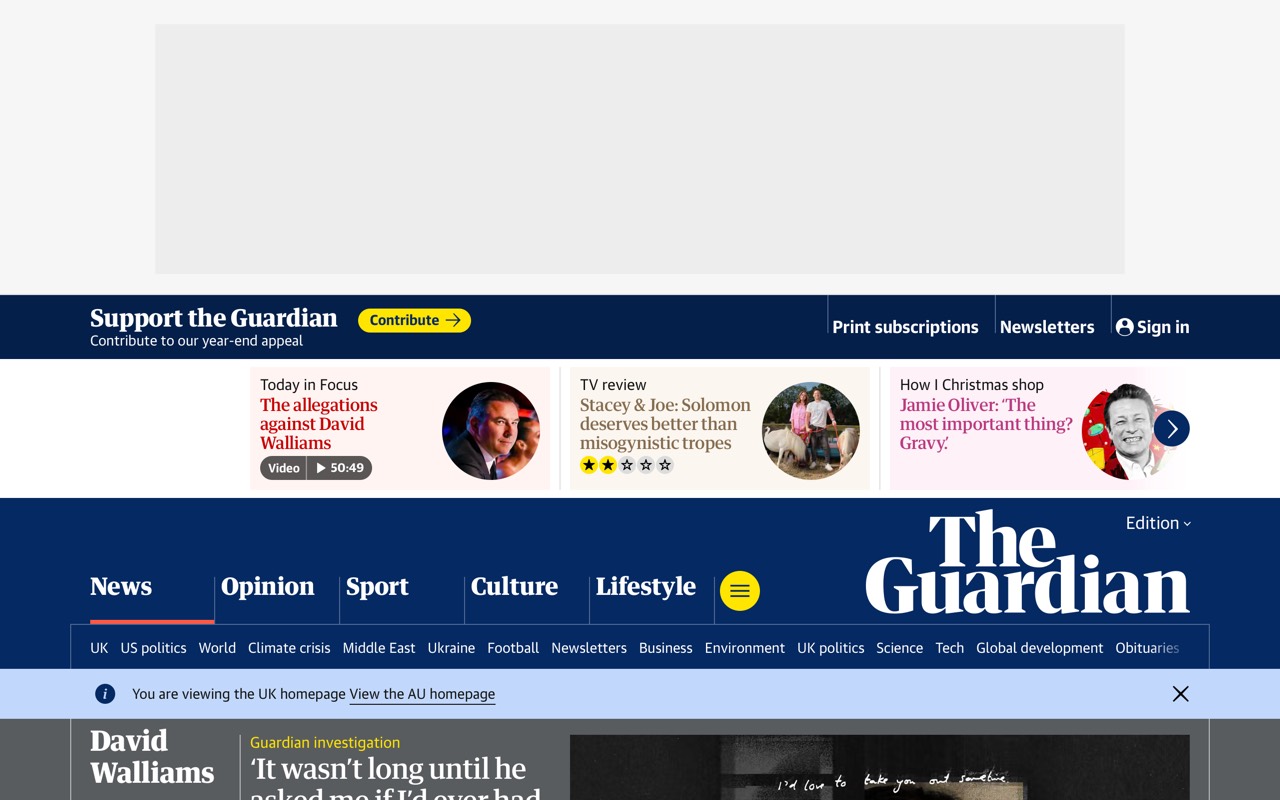
 theguardian.com

 aeon.co